DataSpace Academy is a leading Edtech offering career-focused courses like Cyber Security, Data Analytics, Digital Marketing, Data Science, AI with 100% Placement Assistance.
The Best AI Tools for graphic design help beginners and professionals create visuals, edit images, explore creative concepts, and improve design workflows. Tools such as Canva, Adobe Firefly, Midjourney, and Ideogram offer useful features for different creative needs. However, AI tools work best when combined with design fundamentals, professional software skills, and practical experience. Learn the right skills and build a strong portfolio to prepare for graphic design career opportunities.
Introduction
Graphic design is changing rapidly as artificial intelligence makes creative work faster and more accessible. Designers can now generate images, remove background, create layout, explore colour combinations and edit visuals with simple prompts. However, choosing the Best AI Tools requires more thanfollowing popular trends. You need toolsthat support your creative goals, improve your workflow and help you produce professional designs. Whether you are a beginner, student or working professional, this guide covers useful AI design tools, free options, and the skills you should develop to build a career in graphic design.
Why Are AI Tools Important in Graphic Design?
AI tools help designers complete repetitive tasks and explore creative ideas more efficiently. Instead of spending hours on basic editing, you can use AI to generate initial concepts and refine them through professional design software. Here are some common applications:
Image generation: Create original visuals from text prompts.
Background removal: Separate subjects from images quickly.
Photo editing: Remove unwanted objects and improve image quality.
Logo and branding ideas: Explore different visual directions.
Social media designs: Create posts, banners, and promotional graphics.
Colour selection: Generate suitable colour palettes for different projects.
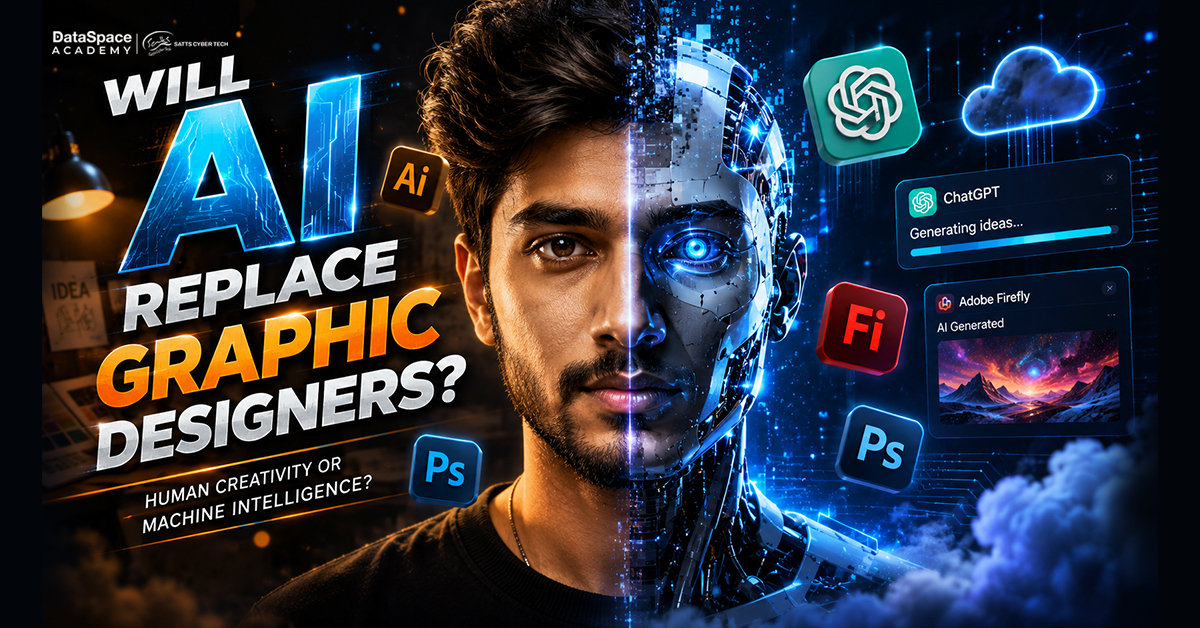
Nevertheless AI cannot replace the creative judgment needed to understand a brand, select the right typography and communicate a clear message.
Best AI Tools for Graphic Design in 2026
The following tools serve different design requirements. Some focus on image generation while others support editing, layouts and branding.
Canva Magic Studio
Canva offers an easy starting point for beginners and marketing teams. Its AI-powered features help users generate designs, edit images and create presentations. Best for: Social media posts, presentations, posters, and marketing graphics.
Adobe Firefly
Adobe Firefly supports text-to-image generation, generative editing, and creative effects. Designers can use it to explore visual concepts and make changes to existing images. Best for: Professional image creation and creative editing.
ChatGPT Image Generation
ChatGPT can help users create images from written description and refine visual ideas through follow-up instructions. It is useful during concept development. Best for: Creative concepts, visual references and image variations.
MidJourney
MidJourney generates detailed artistic images from text prompts. Designers often use it to explore style,illustration and campaign concepts. Best for: Artistic visuals and creative inspiration.
Ideogram
Ideogram is useful for generating images that contain text. It can help designers explore poster concepts, typography-led graphics, and promotional visuals. Best for: Posters, text-based graphics, and visual concepts.
Figma AI
Figma supports interface and product design workflows. Its AI-assisted capabilities can help designers explore layouts and work with digital design concepts. Best for: Website interfaces, app layouts, and prototypes.
Free AI Tool List For Graphic Design
Beginners do not always need paid subscriptions to start experimenting with AI. Several platforms provide free access or limited free features. Here is a practical Free AI Tool List for Graphic Design.
Tool
Useful For
Microsoft Designer
Quick Visual Content
Adobe Firefly
AI Image Generation
Ideogram
Text-Based Image Concepts
ChatGPT
Image Ideas and Creative Prompts
How To Choose The Right AI Design Tool?
The right tool depends on your project and experience. Before selecting a platform, consider these factors.
Purpose: Identify whether you need image generation, editing, vector graphics, or layouts.
Ease of use: Choose an interface that matches your current skill level.
Editing control: Check whether you can modify individual elements after generation.
Export quality: Review available formats and resolution options.
Usage rights: Understand the platform's licensing and commercial-use conditions.
Most Importantly, combine AI tools with professional design software. This approach gives you greater control over the final output.
Why Should You Learn Graphic Design Beyond AI Tools?
AI can generate attractive visuals, but professional graphic design involves much more. Designers must understand visual hierarchy, typography, composition, branding and audience behaviour. A structured Graphic Design Course in Kolkata can help beginners develop these fundamentals alongside practical software skills.A comprehensive learning programme should cover:
Adobe Photoshop and image editing
Adobe Illustrator and vector graphics
Canva and creative layouts
Figma fundamentals
Logo and brand identity design
Social media and advertising creatives
Print design and packaging
Portfolio development
If you are comparing Graphic Designing Institute in Kolkata, check its curriculum, practical assignment, trainer experience and portfolio support before enrolling. At DataSpace Academy, learners can explore graphic design fundamentals, industry-relevant software, trainer experience and practical design work. The focus on assignment and portfolio development help students understand how to apply creative skills to real design requirements.
Build Your Graphic Design Career with Practical Skills
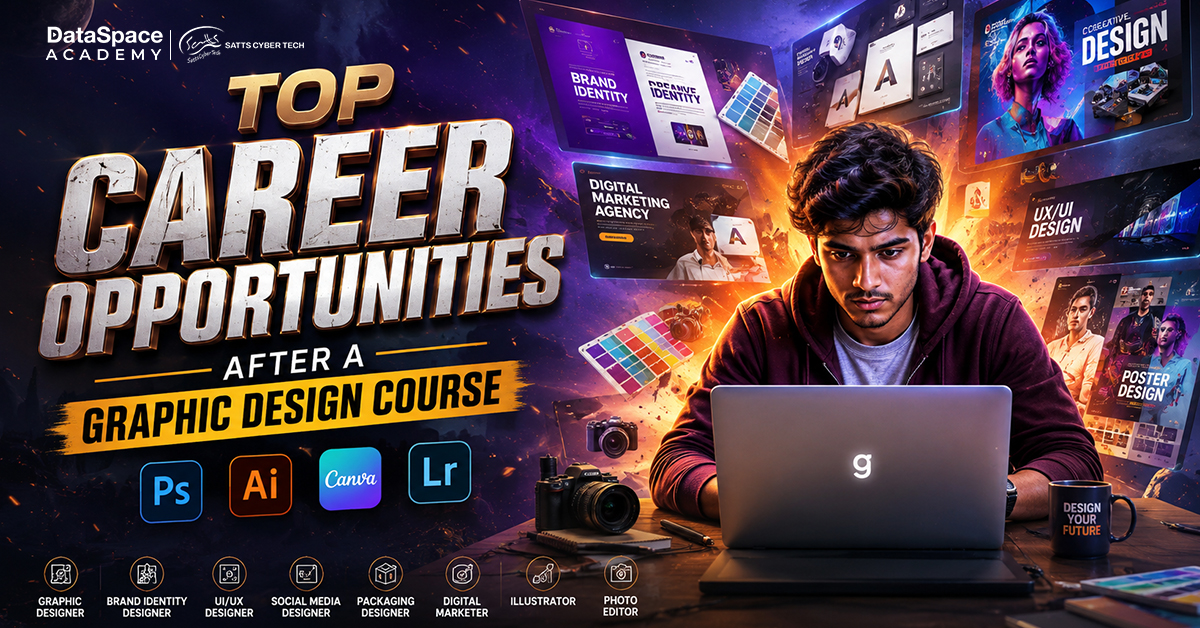
Graphic design offers opportunities across advertising agencies, digital marketing companies, media houses and corporate teams. Depending on your interests, you can explore roles such as:
Graphic Designer
Visual Designer
Social Media Designer
Brand Identity Designer
Packaging Designer
UI Design Assistant
Freelance Graphic Designer
The Complete Graphics Design Course 2026 - Career Guide, Course Fees by DataSpace Academy provides further information about course topics, eligibility, career opportunities, and fee considerations. Use it to understand what to look for when selecting a professional training programme.
Conclusion
AI is making graphic design more accessible, but creative thinking and design fundamentals remain essential. The Best AI Tools can help you generate ideas, improve images and speed up repetitive tasks. However, your ability to communicate visually, maintain brand consistency and deliver quality work will set you apart. Start exploring these tools, practise regularly, and build a portfolio that reflects your creativity. With structured learning and practical experience, you can prepare for emerging opportunities in the graphic design industry.Ready to turn your creativity into a career? Explore the graphic design course at DataSpaceAcademy and build your creative skills.
FAQs
Which AI tool is best for graphic design beginners?
Canva is a beginner-friendly option for creating everyday graphics and exploring AI-assisted design.
Are there free AI tools for graphic design?
Yes, Canva, Microsoft Designer, Adobe Firefly, Ideogram, and Khroma offer free access or limited free features.
Can AI replace professional graphic designers?
No, AI supports creative tasks, but designers still need visual judgement, branding knowledge, and editing skills.
What skills should I learn for a graphic design career?